herbe portal · module
Deliveries & sign-off
The delivery note, and a confirmation your customer can give on a phone: one tap, a drawn signature or an e-signature.
Already a customer? Sign in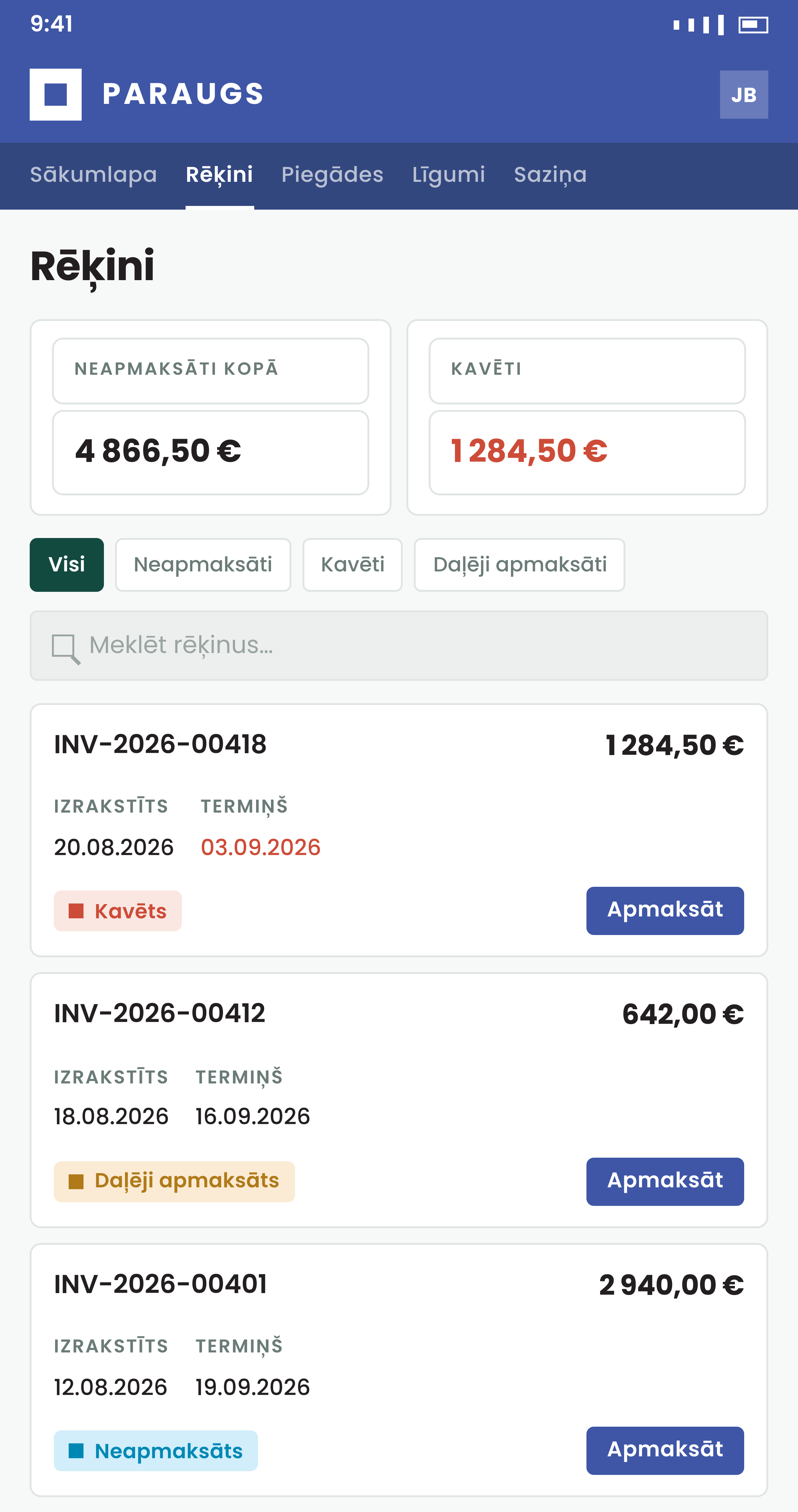
No more paper, scanner or postal return
You pick how much proof you need. The customer does the rest on screen.
What the customer sees
Waiting for approval, then confirmed
A delivery that needs the customer's confirmation carries an orange badge, and the summary cards count those separately. After the confirmation, the button is replaced by a Confirmed tag with the date.
- Pick the lightest mode that meets your audit needs: the button for most, a digital signature when you need legal weight
- Where AI message labels are on, an angry or urgent message about a delivery shows up first for your staff
- Delivery details
Delivery date, order reference, salesperson, ordered and shipped quantities per line.
- Draw or type a signature
Finger on a phone, mouse on a desktop, or a typed name as a styled signature.
- Smart-ID, Mobile-ID, eID card, eParaksts
The delivery PDF is signed through Dokobit or eParaksts, whichever you set for the company, and the signed copy is attached.
- Something wrong? Say so on the delivery
With an ERP connected, a damaged box or a missing item goes in the delivery's own thread, with photos attached.
How to start
Book a demo
We run a delivery through all three confirmation modes.
Choose a mode per company
Button, hand signature or digital signature. Digital signing also needs a signing service and an activity type.
Set the reminders
Choose how often a customer is nudged for a delivery still waiting.
Questions about deliveries
Can a customer undo a confirmation?
Not from the portal. They talk to you if something is wrong.
What happens if a customer opens the signature dialog by mistake?
Nothing is saved until they press Confirm. Clicking outside the dialog or pressing Escape closes it.
Where does the confirmation end up?
On a confirmation activity on the delivery, with who confirmed and when. A hand signature is attached as an image, a digital signature as the signed PDF.
How does a customer stop the reminder emails?
By confirming the delivery.
Can a customer report a damaged or missing item?
Yes, in the delivery's own thread, with photos or files attached. Your staff answer on the same record. Threads work with Excellent Books and Standard ERP by HansaWorld (known as Excellent ERP in the Baltics, Finland and Norway). With message labels switched on, an AI model marks new messages by urgency and tone, and your staff see the urgent ones first. The customer sees no labels.
Does this module work without an ERP?
No. Deliveries come from your ERP. A portal that runs only on herbe service has no deliveries, because herbe service does not keep them.