herbe portal · module
Quotations
Your offers in one list. The customer opens one, decides, and you see the answer on the same record.
Already a customer? Sign in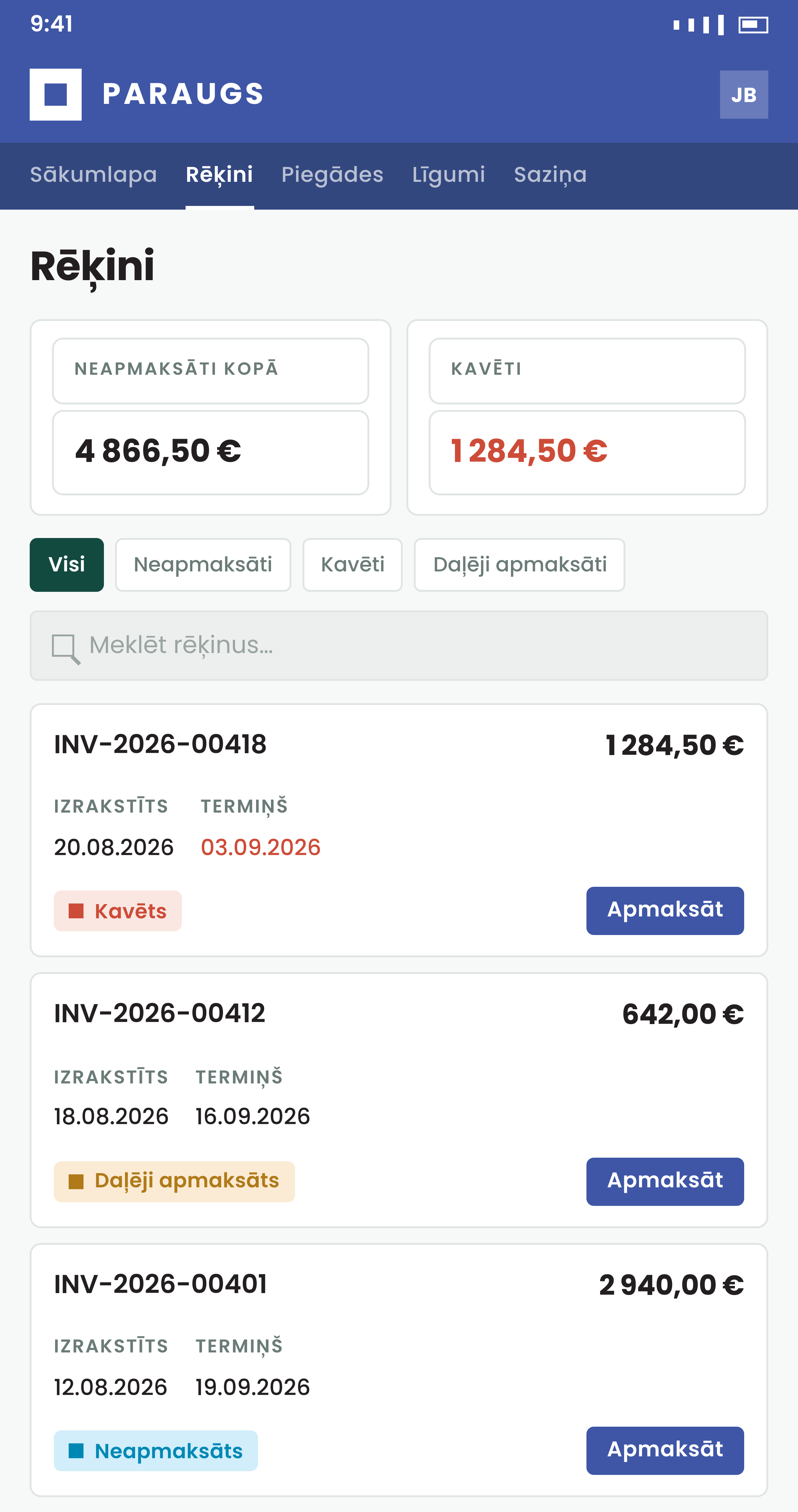
From offer to answer without the email chain
The decision and the reason both end up where you work.
How it works
Pending, accepted, rejected, expired
Four summary cards count the quotations in each state, and the status pills filter the list. The detail page shows header, notes, lines and totals, with the PDF one click away.
- An accept or reject cannot be undone from the portal; you re-issue the quotation as a new record
- If you switch on message labels, an AI model flags the urgent, unhappy or unanswered messages for your staff
- Sent by your office staff
They email the contact persons a link to the quotation, or send it for approval from the portal.
- A PO number with the answer
The customer can type a purchase order number into the Accept area. With an ERP it is saved in the quotation's reference field when that is empty, and it goes in the email to your salesperson.
- No double decisions
If someone already decided, or the lines, totals, currency or validity changed after the customer opened the quotation, the portal says so and asks them to reload. It works with an ERP and with herbe service.
- Talk it over before deciding
With an ERP connected, a question about a line, a date or a discount goes in the quotation's own thread. Your salesperson sees it on the same record.
How to start
Book a demo
We walk one quotation from sent to accepted.
Invite your office staff
They open a customer, see what the customer sees and send a quotation for approval.
Turn on expiry reminders
Optional. Switch them on per company.
Questions about quotations
Can a customer undo an accept or a reject?
No, not from the portal. They talk to you and you issue the quotation again as a new record.
Can the customer forward the quotation to a colleague?
The portal has no button for that. If a colleague has to approve it, ask your staff to send it to them.
Do the quotations have to live in an ERP?
No. They can come from your ERP or from herbe service, where the portal can run on its own database.
Where does the customer's reason for rejecting go?
With an ERP, it is filed as an activity on the quotation, and your staff see it in the quotation's thread. If activities are not set up, it goes in a note field when that field is empty. Your own quotation note is never overwritten. With herbe service, it is stored with the decision.
Can a customer add a PO number when accepting?
Yes, with an ERP and with herbe service. With an ERP the number is written to the quotation's reference field when that is empty, and it goes in the email to your salesperson.
Can a customer ask a question before deciding?
Yes. The quotation has its own thread, where the customer can write and attach files, and your staff answer on the same record. Threads work with Excellent Books and Standard ERP by HansaWorld (known as Excellent ERP in the Baltics, Finland and Norway), and you switch them on per record type. If you also switch on message labels, an AI model marks each new message by urgency, tone and whether the customer is still waiting, so staff see what to open first. Only your staff see the labels.