herbe portal · module
Your brand
Your logo, colours and wording from the sign-in page to the email footer. Customers meet your company, not ours.
Already a customer? Sign in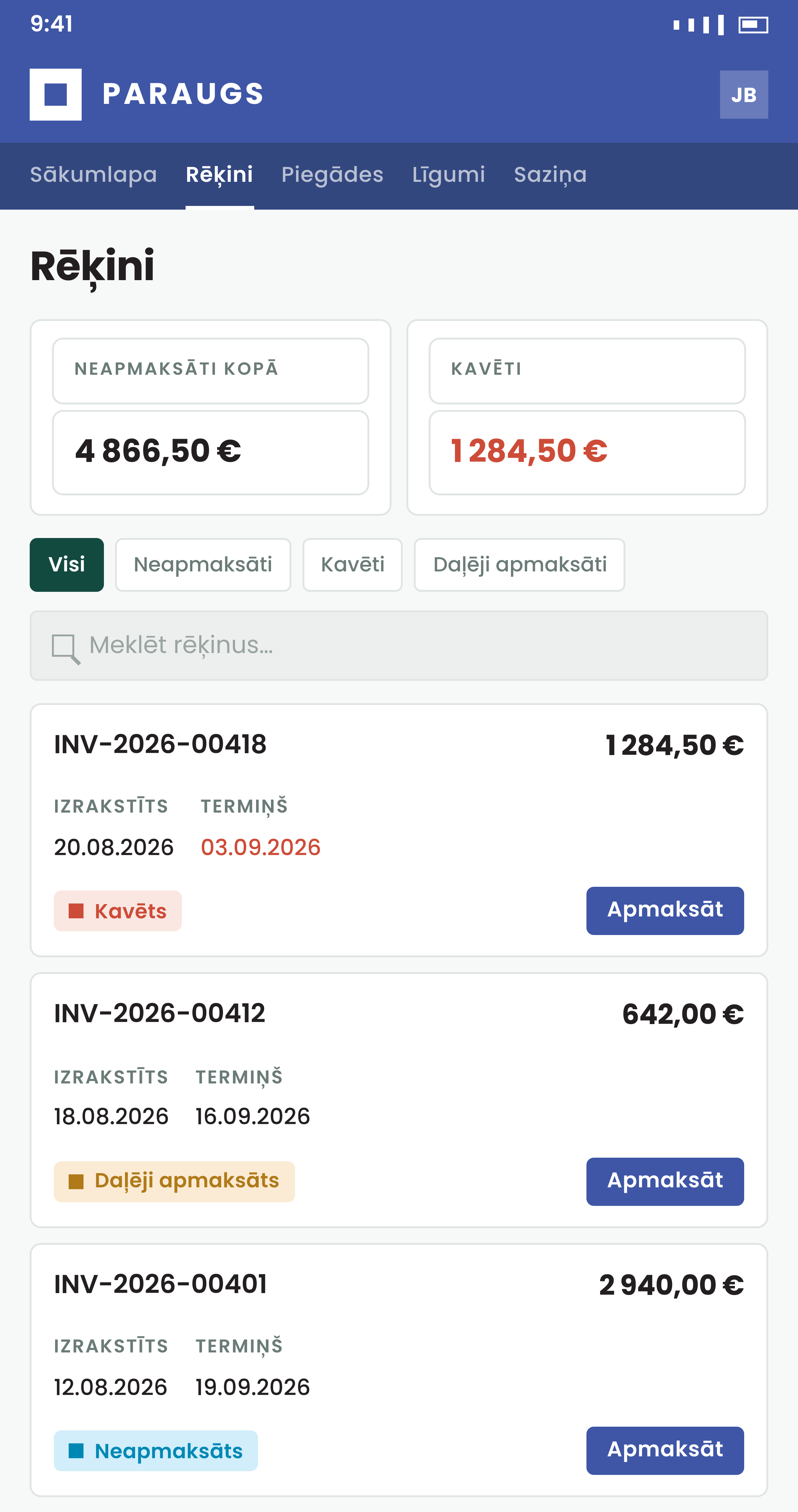
It should look like yours
Set it once and every page and email follows.
How it works
White label, down to the footer
One setting page drives the whole deployment, and a change takes effect on the next request.
- Your logo, palette and subdomain: it looks like your own finance tool
- Notification wording is edited per email and per language
- A name of your own
The portal title shows in the browser tab and under the home-screen icon.
- Font and footer
Set the font family, show your contact email and switch off the Powered by line.
- Languages
English and Latvian ship ready. Other languages can be switched on and fall back to English where a translation is missing.
How to start
Book a demo
Send us your logo and colours; we show the portal in them.
Set the theme
Logo, colours, font, portal title and the footer.
Adjust the wording
Change the interface labels and email texts to your vocabulary.
Questions about branding
Can we remove the herbe branding?
Yes. Switch the vendor branding off and the Powered by line disappears from the footer. Leave it on for demo installs.
Is there an app customers can install?
They can add the portal to the home screen of an iPhone or Android phone, with no app store. It needs a network connection: there is no offline mode and no push notifications.
Do we host the logo ourselves?
The portal uses the logo address you give it, so host the files wherever you keep static files. SVG works well for the logo, PNG for the favicon.
Can we change the wording of the emails?
Yes. Each notification has its own template, with its own text per language.